GE Oven Error Codes
Confused by GE oven error codes? Learn what F2, F0, F1, F3, F7, and F20 mean in plain words, what to check first, and when to call for service.
Need appliance repair? Call now for same-day service.
Call +1 (888) 206-0056Your GE oven flashes a code and stops working. The manual lists codes, but the words are confusing. This guide explains GE oven error codes in plain language. You will learn what each code means, what to check, and when to call for help.
First step for almost every code: reset the breaker. Turn off the breaker that feeds the oven for one full minute. Turn it back on. Many codes clear and never return. If the code comes back, the oven has a real fault. Write down the code before you reset.
GE Oven Error Codes: Quick Reference Table
| Code | Meaning | First thing to try |
|---|---|---|
| F0 / F1 | Control board fault | Breaker reset for 1 minute |
| F2 / F20 | Oven overheated | Let cool, then reset breaker |
| F3 | Sensor circuit open | Stop using, call for service |
| F4 | Sensor circuit shorted | Stop using, call for service |
| F5 | Board power problem | Check breaker and wiring |
| F7 | Stuck key or bad panel | Press each key, then reset |
| F8 / F9 | Door lock problem | Do not force the door |
Keep this table handy. When a code appears, find it here first. Then read the section below for details.
How Error Codes Appear on Your Display
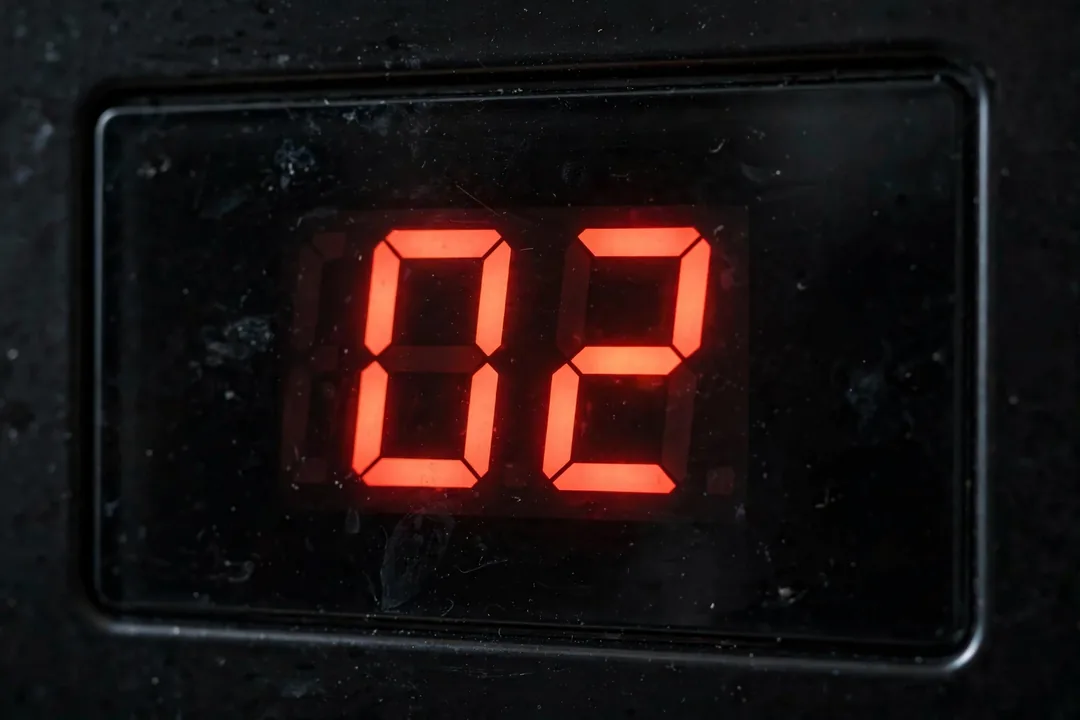
On most GE ovens, the code flashes on the display. The oven beeps. It may lock out all buttons. Some models show the code only for a few seconds. Write it down fast.
Newer GE models may prefix codes differently. F20 is the newer form of F2. The meaning is the same. Your manual lists the exact codes for your model year. Model numbers are on a label inside the oven door or behind it.
F2 and F20: Oven Overheated
F2 is the most common GE oven code. On newer models, it may show as F20. It means the oven got too hot.
The usual causes are a bad temperature sensor or a failing control board. The sensor tells the board the oven temperature. If the sensor reads wrong, the board keeps heating. The oven overheats and throws the code.
Let the oven cool completely. Reset the breaker for one minute. Try the oven again. If F2 returns, stop using the oven. An overheating oven is unsafe. Call for service.
F0 and F1: Control Board Failure
F0 means the control board has an internal fault. F1 means the board detected a problem in its own circuits. Both point to the board itself.
Try the breaker reset. If the code clears and stays away, it may have been a power surge. If it returns, the control board needs replacing.
Control boards are the most expensive oven part. Before you replace one, make sure the code is not caused by something simpler. A technician can test the board and rule out sensor or wiring problems first.
F3: Temperature Sensor Circuit Open
F3 means the sensor circuit is open. In plain words, the oven cannot read the temperature at all. The sensor or its wiring has failed.
The sensor is a thin metal rod inside the oven, usually in a back corner. Its wires run to the control board. A break anywhere in that path throws F3.
Do not use the oven until this is fixed. Without temperature readings, the oven cannot control heat safely. A technician can test the sensor with a meter in minutes. Sensors are cheap parts and quick to replace.
F7: Stuck Key or Shorted Panel
F7 means a key on the control panel is stuck or shorted. This happens often on older GE models with membrane touchpads. Grease and heat wear them out over time.
Press each button firmly, one at a time. Sometimes this frees a stuck key. Reset the breaker for one minute. If F7 returns, the touchpad or the control board needs replacing.
On some models, the touchpad and board are one unit. On others, they separate. A technician can tell which part your model uses.
Less Common Codes Worth Knowing
F4 means the sensor circuit is shorted. It is the opposite of F3. The sensor reads zero resistance. Same fix: test and replace the sensor.
F5 means the board lost power to part of its circuits. Check the breaker and the oven wiring. If power is fine, the board is failing.
F8 means a problem with the door lock circuit. This often appears during self-clean. The lock motor or its switch may have failed. Do not force the door.
F9 means the door lock circuit is stuck. Like F8, it relates to the self-clean lock system. A technician needs to check the lock motor and switches.
When a Code Means a Bigger Repair
Some codes point to simple fixes. A stuck key. A tripped breaker. But many GE oven codes mean a part has failed. The sensor, the touchpad, and the control board are the usual suspects.
If the same code returns after two resets, stop resetting. The oven is telling you something is wrong. Repeated resets will not fix a dead sensor.
Our oven repair hub covers all oven failures beyond error codes. For the full repair walkthrough on GE models, see our GE oven repair guide. If the oven will not heat at all, our oven not heating guide walks through the checks. Gas models with ignition trouble are covered in our gas oven igniter guide.
What to Tell the Technician
Write down the exact code. Note when it appears. Does it show right at startup? Only when baking? Only during self-clean? These details speed up the diagnosis.
Note anything else odd. Strange smells. Clicking sounds. The display going blank. Every detail helps the technician find the fault faster.
Do not keep using an oven that throws overheat codes. F2 and F20 mean the oven cannot control its temperature. That is a safety issue, not just an annoyance.
Getting GE oven error codes you cannot clear? Call us at +1 (888) 206-0056. Our oven repair team reads these codes every day. Find a technician near you on our locations page.
Frequently Asked Questions
How do I clear a GE oven error code?
Turn off the breaker for one full minute, then turn it back on. This clears most codes caused by electronic glitches. If the code comes back right away, the oven has a real fault. Write down the code before you reset. The technician will need it.
What does F2 mean on a GE oven?
F2 means the oven overheated. The temperature sensor or the control board is the likely cause. Let the oven cool completely. Reset the breaker for one minute. If F2 returns the next time you use the oven, stop using it and call for service. An overheating oven is not safe to ignore.
What does F7 mean on a GE oven?
F7 points to a stuck key or a shorted control panel. Try pressing each button firmly to unstick it. Reset the breaker for one minute. If F7 returns, the touchpad or control board needs replacing. This is a common failure on older GE models with membrane keypads.
What does F3 mean on a GE oven?
F3 means the temperature sensor circuit is open. The sensor or its wiring has failed. The oven cannot read the temperature, so it shuts down. A technician can test the sensor with a meter in minutes. Sensors are inexpensive parts. Do not keep using the oven until it is fixed.
Can error codes go away on their own?
Sometimes a code caused by a power surge clears after a reset and never returns. But codes that point to real part failures always come back. If the same code appears twice, treat it as a real fault. Ignoring it can damage the oven or create a safety risk.
Do all GE ovens use the same error codes?
Most GE electric and gas ovens use the F-code system, but details vary by model and year. Newer models may show F20 instead of F2. Always check your manual for your exact model. The manual lists the codes and the recommended checks for your oven.
Broken appliance? We're one call away.
Same-day appliance repair across 40 cities. Upfront pricing, written warranty, and an honest repair-or-replace answer on every job.
Call +1 (888) 206-0056